
Fix Panasonic AC Error H19: Indoor Fan Motor Repair Guide
Diagnostic Protocol & Repair Guide
Technician Note
Always isolate power before inspecting high-voltage components.
System Fault Detected: Fix Panasonic AC Error H19: Indoor Fan Motor Repair Guide
Continuing to run equipment with this active code may void warranties or cause permanent mechanical failure.
Solved: Panasonic AC Error H19
The Complete Guide to Fixing Indoor Fan Motor Faults. BLDC Motor Diagnostics, PCB Voltage Tests, and Solutions.
Introduction to Panasonic AC Error H19
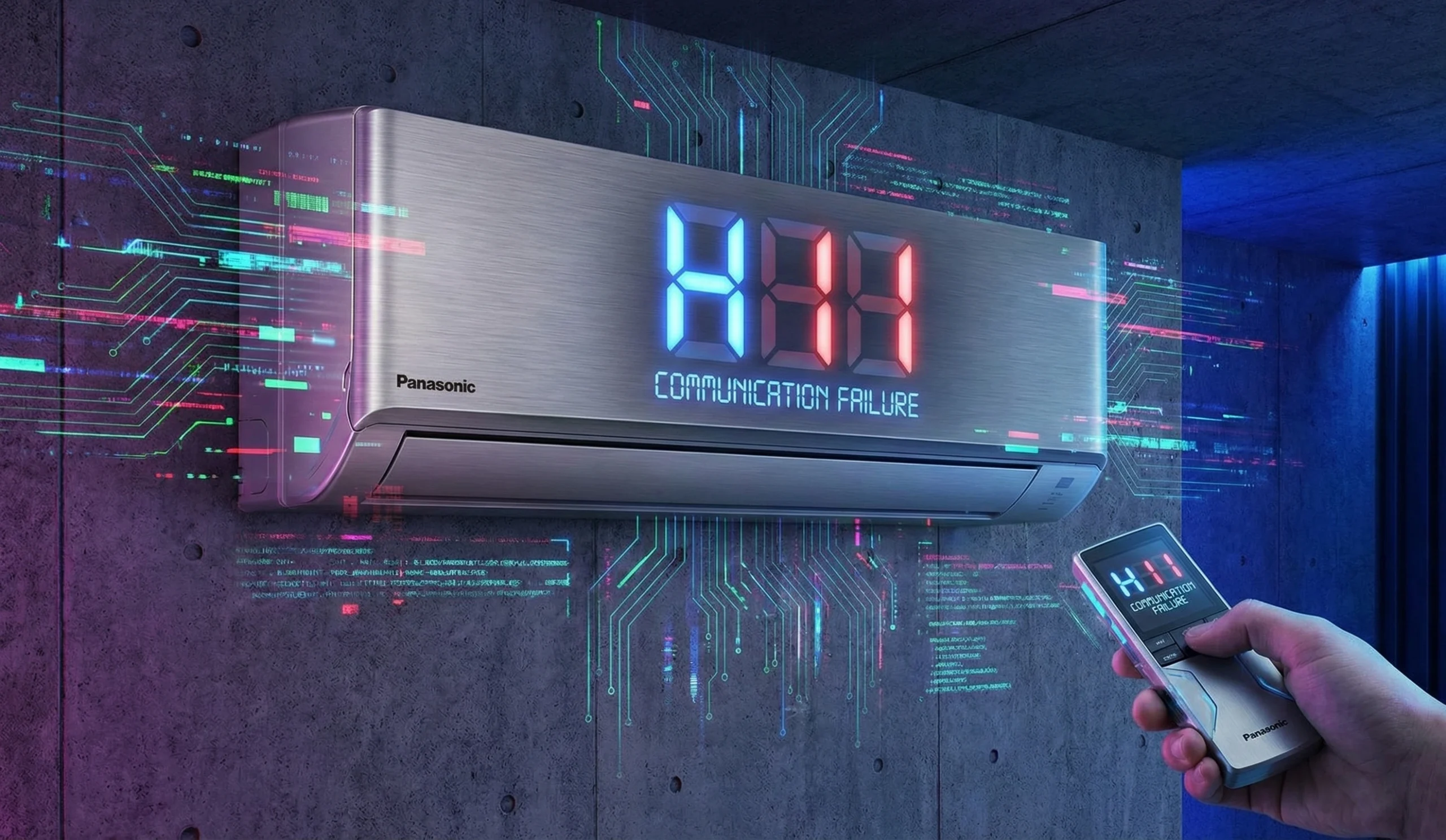
The Panasonic AC Error H19 is a specific diagnostic code that alerts you to an Indoor Fan Motor Abnormality or “Motor Lock.” In modern Panasonic inverter units, the indoor fan is a sophisticated Brushless DC (BLDC) motor, not a simple AC fan.
This motor operates using high voltage and sends a constant “feedback” signal (via a Hall IC) back to the indoor PCB to report its exact RPM. If the PCB commands the fan to spin but does not receive this feedback pulse within a few seconds, it immediately halts operation, closes the air swing flap, and triggers the H19 error to prevent coil freezing or electrical fires.
Step-by-Step Diagnostic Procedure
Step 1: The Mechanical “Spin Test”
Before testing electronics, you must rule out a physical jam or seized bearing.
- Turn OFF the AC power at the main breaker.
- Gently lift the horizontal louver (flap) and reach in to touch the cylindrical blower wheel.
- Healthy: The wheel should spin freely and smoothly with a light push.
- Faulty: If it feels stiff, grinds, or is completely stuck, the motor bearings have seized or the blower wheel has snapped. The motor must be replaced.
Step 2: Inspecting the Motor Harness
If the blower spins freely, the issue is electrical. Open the indoor unit’s front cover to access the PCB.
| Check Point | Potential Issues | Action Required |
|---|---|---|
| Motor Connector (CN-FM) | Plug has vibrated loose from the PCB header. | Unplug and firmly reseat the 5-pin or 7-pin connector. |
| Wire Integrity | Rat bites severing the thin feedback wires. | Inspect the wire loom. Solder and insulate any breaks. |
Step 3: PCB Voltage Output Test (High Voltage Danger)
To determine if the PCB is sending power to the motor, use a Multimeter set to DC Voltage. Leave the motor plugged in, turn the AC ON, and carefully probe the back of the connector.
- Red vs Black (Vm): Should read approx 280V to 340V DC. If 0V, the PCB’s internal fan fuse or driver circuit is blown.
- White vs Black (Vcc): Should be a steady 15V DC. This powers the motor’s internal logic. If missing, PCB is faulty.
- Yellow vs Black (Vsp): Should vary between 1V and 6V DC depending on the requested fan speed. If 0V, the PCB is not commanding the fan to turn.
Step 4: The Feedback (Hall IC) Test
If all voltages in Step 3 are present (300V, 15V, and Vsp), but the fan still won’t spin—or if it spins for 10 seconds and stops with an H19 error—the motor is the culprit.
Probe the Blue vs Black (FG) wires while manually spinning the fan. You should see a pulsing/fluctuating voltage. If it remains steady (e.g., solid 15V or solid 0V), the internal Hall IC sensor inside the motor has died. The entire fan motor must be replaced.
DIY Repair vs. Professional Service
Pros of Professional Repair
- ✓ Exact Motor Matching: Pros ensure the new BLDC motor matches the specific wattage, rotation direction, and shaft length for your Panasonic model.
- ✓ Safe Handling of 300V: The fan capacitors on the PCB hold lethal DC voltage. Technicians know how to discharge this safely.
- ✓ Blower Wheel Integrity: Removing a rusted blower wheel screw often cracks the plastic. Pros have the tools to extract it safely and rebalance it.
- ✓ PCB Repair Option: If the board is blown, they can often repair the fan driver circuit rather than buying a new board.
- ✓ Deep Cleaning: While the unit is dismantled to remove the motor, the coil and blower can be deeply washed.
Cons of DIY (Do It Yourself)
- ✗ High Electrocution Risk: Testing pins with the unit live carries a severe risk of shock from the 300V DC line.
- ✗ Breaking the Chassis: Panasonic chassis plastics become brittle over time. Forcing the motor out often breaks the drain pan.
- ✗ Misdiagnosis: Buying a $120 motor only to find out the PCB wasn’t sending the 15V Vcc signal.
- ✗ Rattling Noise: Failing to align the motor’s rubber vibration dampers correctly leads to terrible rattling noises after assembly.
Estimated Repair & Parts Pricing
| Product / Service | Details | Estimated Cost | Action |
|---|---|---|---|
| Panasonic DC Fan Motor | Indoor BLDC Motor (e.g., 30W, 300V) | $80 – $150 | Check Price |
| Panasonic Indoor PCB | Complete Mainboard Replacement | $120 – $220 | Check Price |
| Cross-Flow Blower Wheel | Replacement if old wheel is cracked/stuck | $40 – $70 | Check Price |
| PCB Fan Circuit Repair | Fixing blown motor driver on board | $70 – $110 | Book Service |
* Prices vary based on AC tonnage and local market rates. DC motors are highly model-specific.
Related Panasonic Error Codes
Frequently Asked Questions
1. Why does the fan spin for a few seconds then stop with H19?
This confirms the motor is receiving the 300V power to spin, but the Hall IC inside the motor is broken and not sending the “feedback” signal. The PCB shuts it down for safety.
2. Can I just oil or lubricate the fan motor?
No. Modern Panasonic DC motors are fully sealed ceramic or resin units. You cannot open them to lubricate the bearings. They must be replaced entirely.
3. What is the 300V danger in the indoor unit?
DC Fan motors operate on roughly 310V DC supplied by the indoor PCB. Touching these pins while the unit is energized can cause severe electric shock.
4. Can I use a universal AC fan motor?
Absolutely not. Panasonic inverter units require a specific 5-wire or 7-wire Brushless DC (BLDC) motor. An AC motor will not work and will fry the circuit board.
5. Do rats cause the H19 error?
Yes, very often. Rats climb into the indoor unit and chew the thin blue, yellow, or white wires on the motor harness, breaking the communication loop.
6. How can I read the exact error code?
If your timer light is blinking, use a paperclip to press and hold the “CHECK” button on your remote for 5 seconds. Scroll with the timer arrows until the AC beeps solidly at “H19”.
7. Is it possible the PCB is broken, not the motor?
Yes. If the PCB fails to output the 15V Vcc or the 300V Vm due to a blown internal fuse or blown driver IC, the motor won’t spin, triggering H19. A voltage test proves which part is at fault.
8. My blower wheel is very stiff. Will a new motor fix it?
Yes, usually the stiffness is caused by the motor’s internal bearings collapsing. However, ensure the left-side rubber bearing bush hasn’t seized up as well.
9. Does Atlas Aircons repair Panasonic PCBs?
Yes. If your motor is fine but the board is not sending voltage, we can perform component-level repairs on the fan driver circuit.
10. Can a dirty AC cause H19?
Indirectly. If the blower wheel is heavily caked in dust and mold, it becomes very heavy. This strains the motor over time, leading to premature bearing failure and the H19 error.
Bypass The Downtime
Do not waste hours deciphering manuals. The Atlas Aircon engineering squad has successfully cleared the Fix Panasonic AC Error H19: Indoor Fan Motor Repair Guide across multiple industrial sites. We can dispatch a technician to your facility immediately.
GET LIVE TROUBLESHOOTING⚡ ISO 9001:2015 Certified Diagnostic Team